Getting Started
How It Works
One parent volunteer or coach, one iPhone, the whole team tracked — and reports in the coach's hands before the second period starts. Here's exactly how it works.
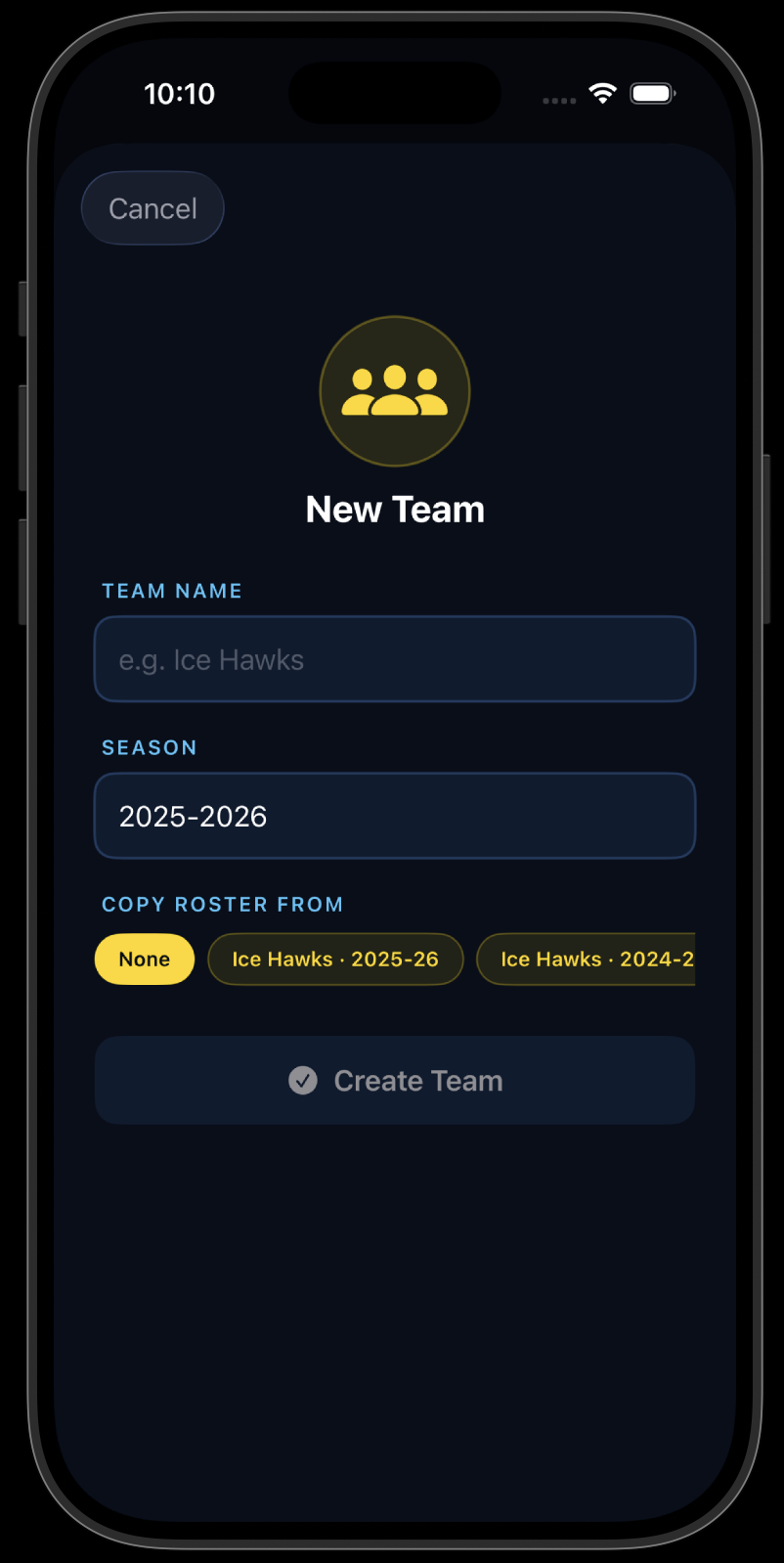
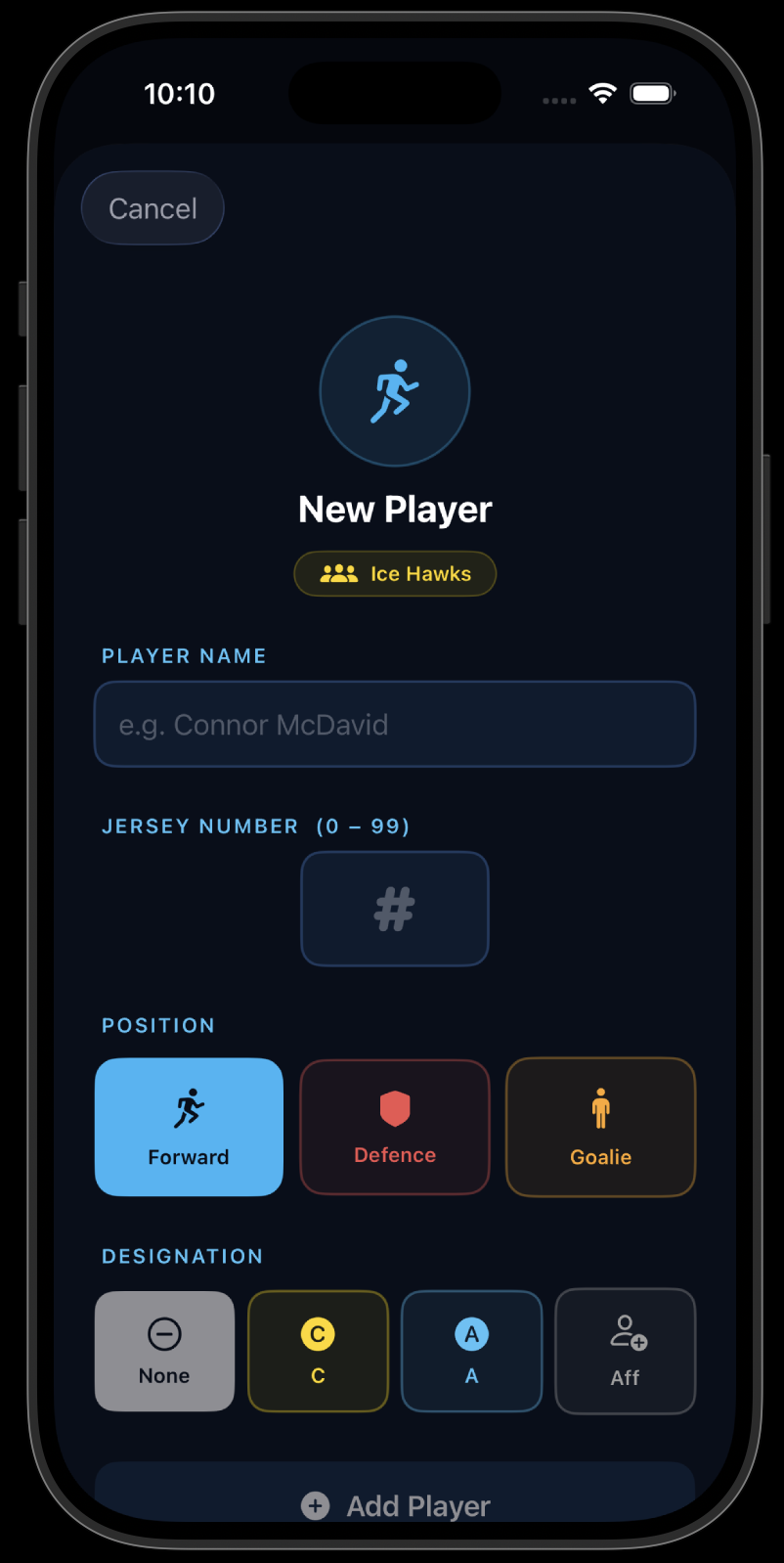
Set Up Your Team & Season
Create season and add your roster — every skater and your goalie. Choose Exhibition, Regular Season, Tournament, or Playoff game. Set period lengths to match your league format. Done in minutes, used all year.
Create a Game Before Puck Drop
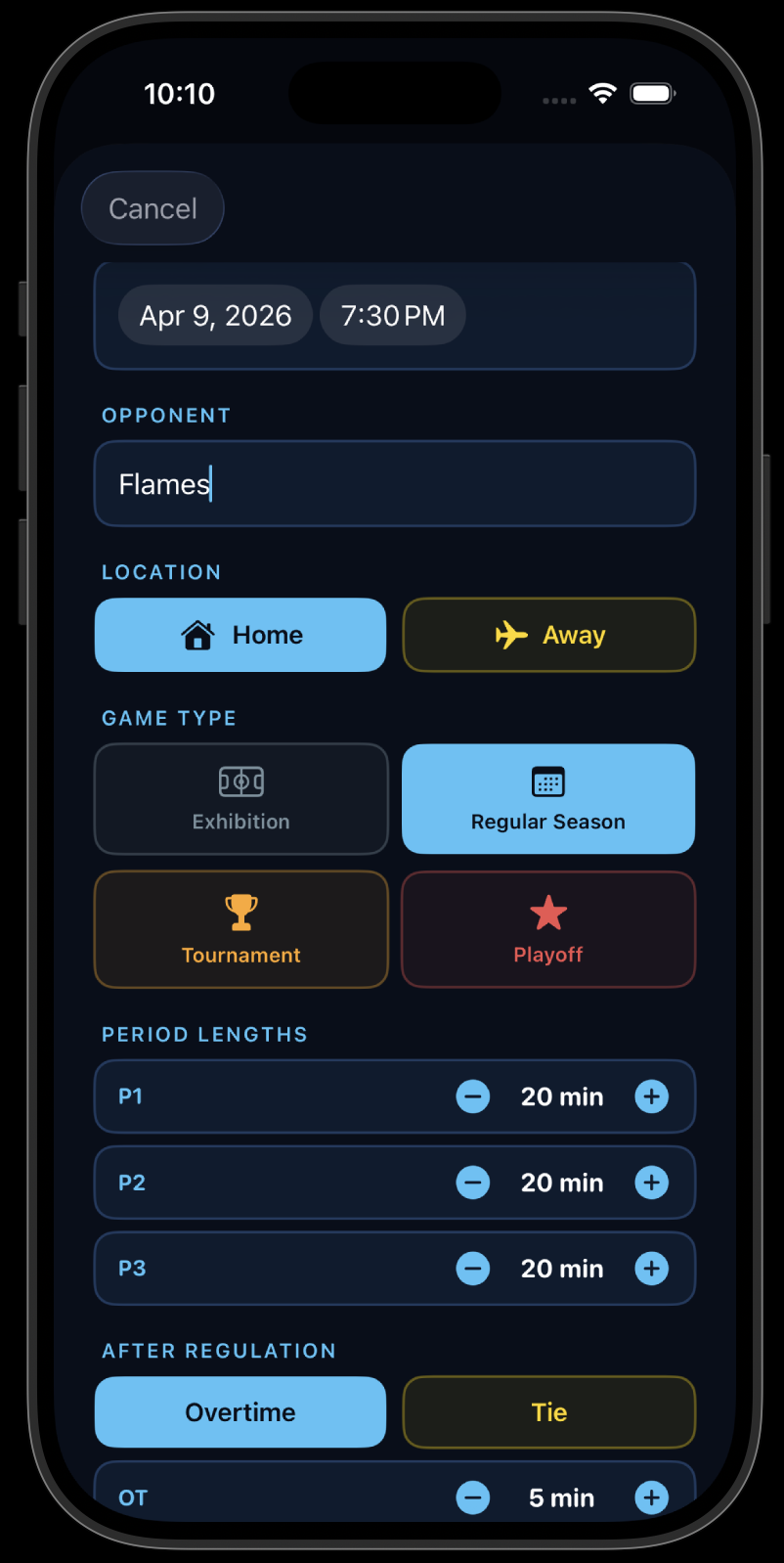
Tap "New Game", enter your opponent, select Home or Away, pick the game type, and confirm the period lengths. Takes under 30 seconds — plenty of time during warm-up.
Track Every Player in Real Time
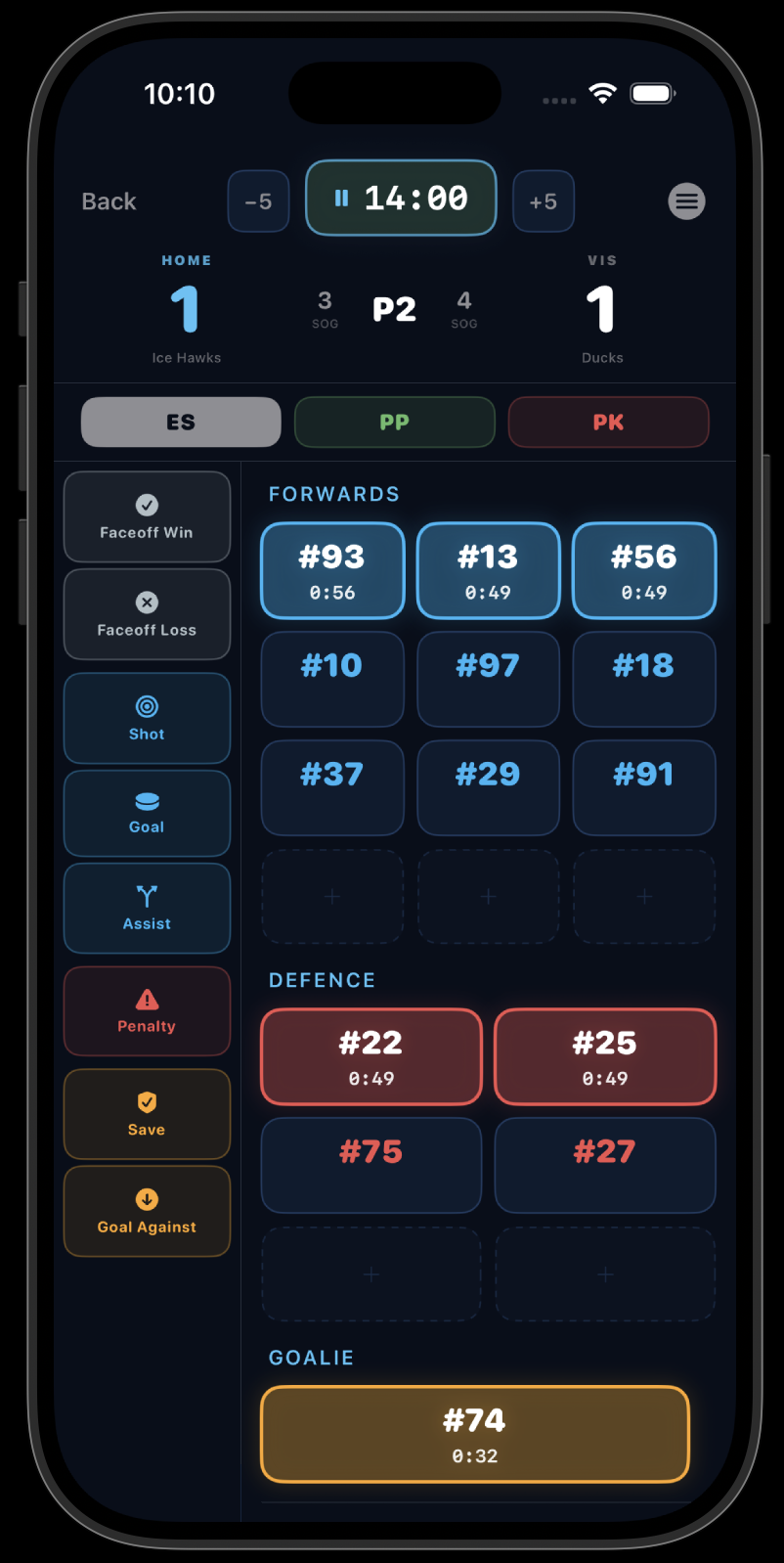
Log goals, assists, shots, penalties, face-offs, and shot locations for every skater as play unfolds. Track saves, goals against, and shot quality for your goalie too. Designed for one-handed use — no fumbling during line changes.
Share the Intermission Report
Between periods, send the coach a full game stat report — skater totals, shot locations, goalie performance — straight from the app. No paper, no clipboard, no waiting.
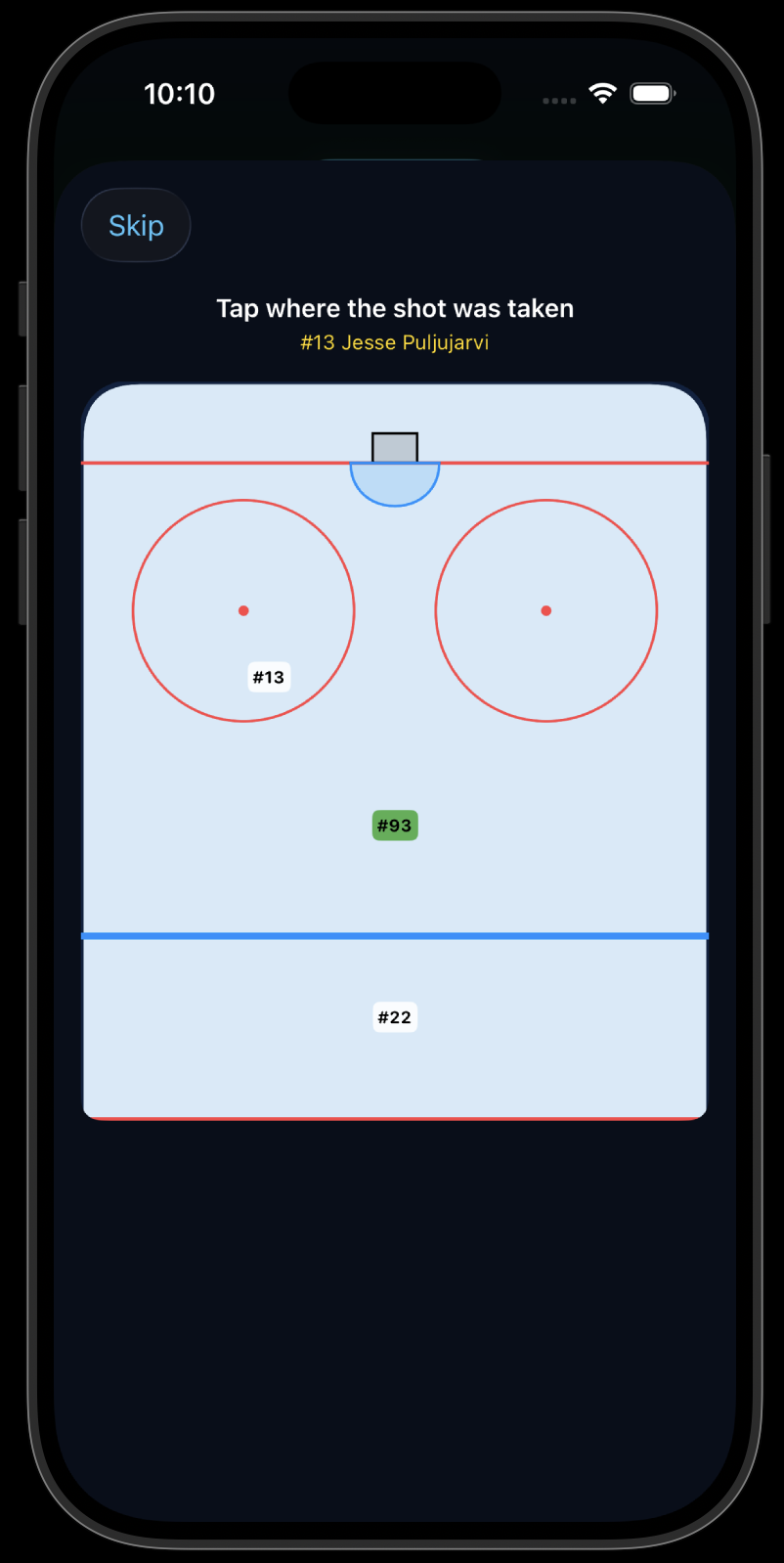
Review & Clean Up After the Game
After the final buzzer, review the complete team box score. Edit anything you missed in the moment. All stats save automatically — your data is always there.
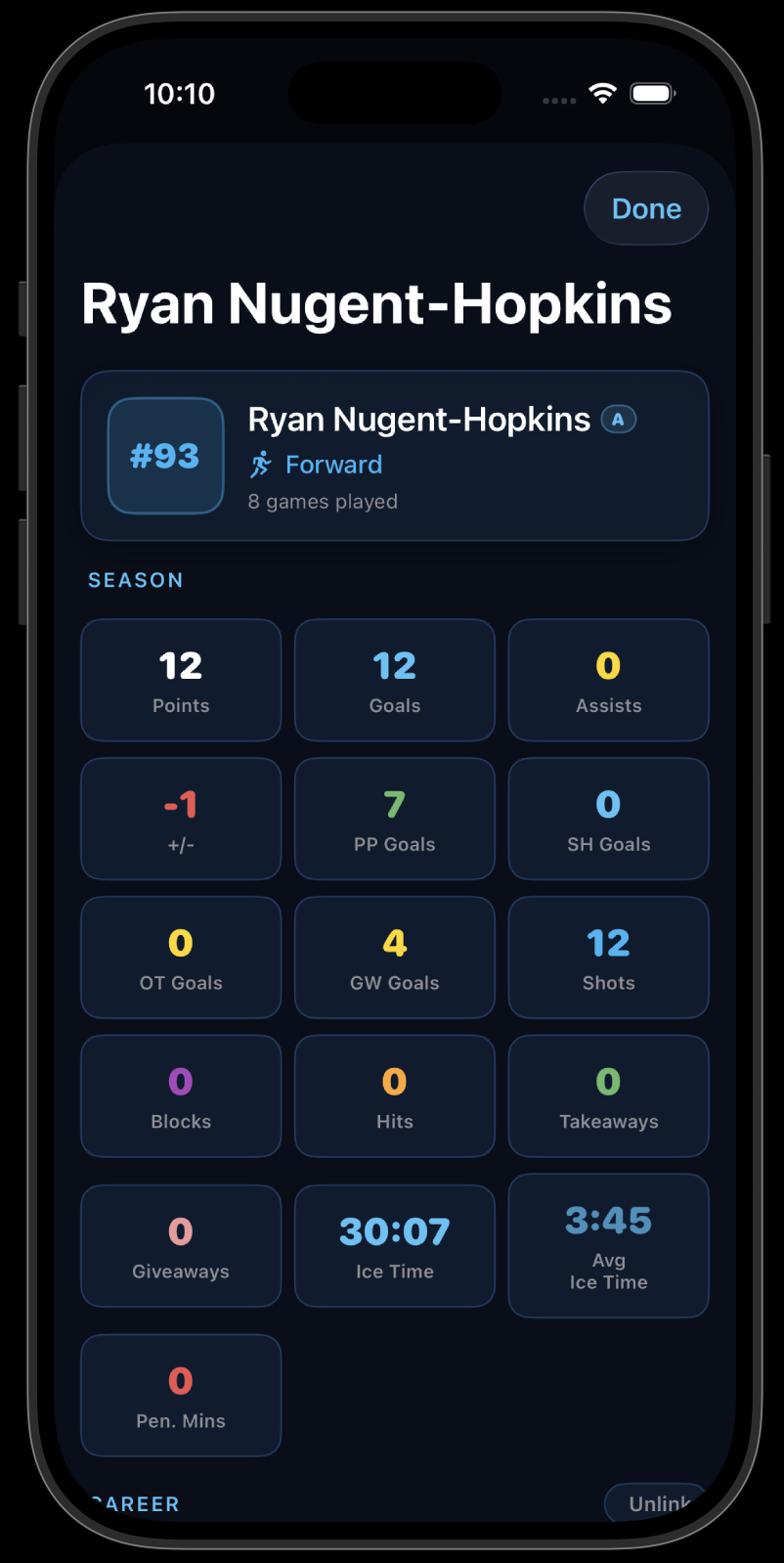
Share Season Reports Anytime
Generate a full team season report with one tap — cumulative stats, per-game averages, goalie summary. Share it with coaches for player reviews, showcases, or year-end feedback.
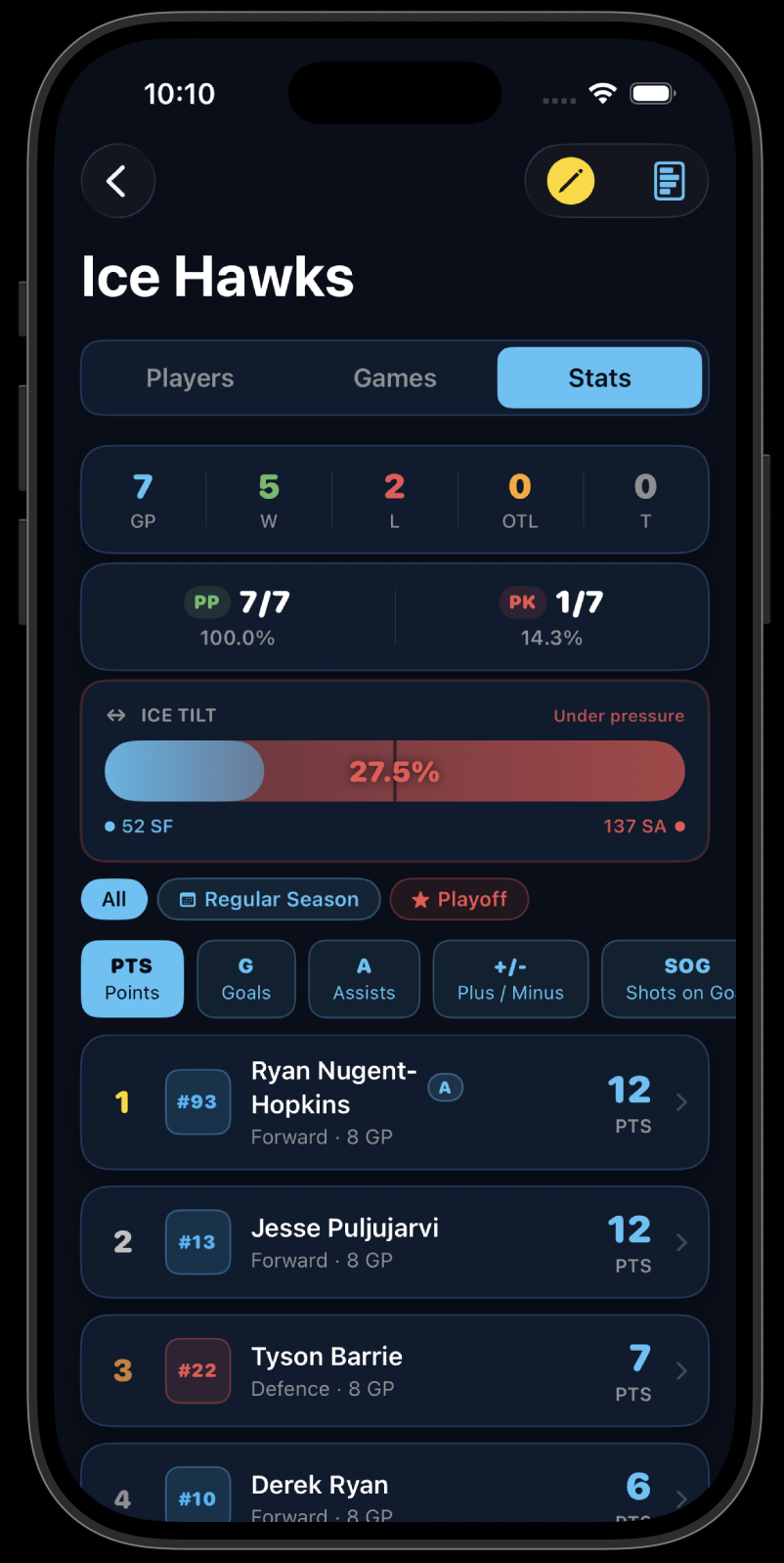
Want more detail on every feature?
The full Help & App Guide covers every screen, gesture, stat, and setting.